Patient Check-In Kiosk Software Built for Faster Registration, Intake, Insurance Capture, and Payments
Check-in should not slow down the entire visit.
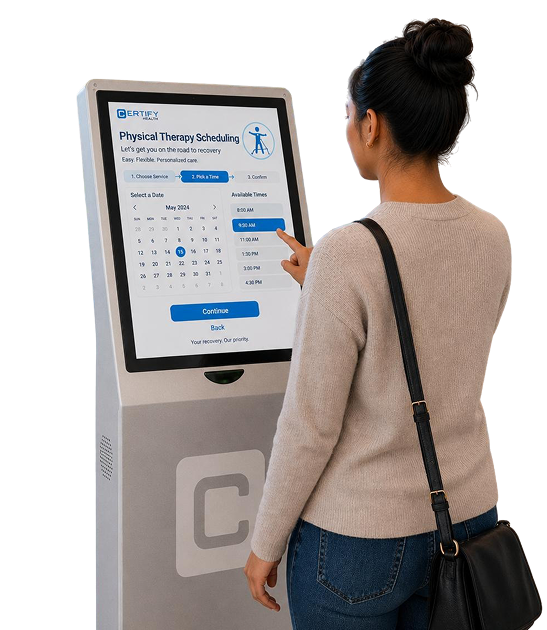
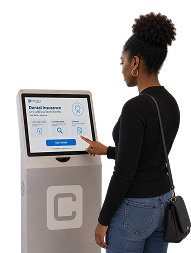
CERTIFY Health’s patient check-in kiosk gives patients a guided way to check in, confirm their details, scan ID and insurance cards, complete forms, sign consents, and make payments through integrated CERTIFYPAY solutions.
For staff, it means fewer paper forms, fewer repeated questions, fewer manual updates, and a clearer view of who is ready to be seen.
When Check-In Breaks, Everything Behind It Slows Down
A patient walks in. The front desk is already on the phone. Another patient has missing insurance details. Someone forgot to complete forms. A balance needs to be collected. A provider is waiting for the next patient to be roomed. That is where check-in becomes more than a front-desk task. It becomes the first pressure point in the entire visit.
Patients waiting to
complete paperwork
Paper forms and manual registration can slow down arrivals before the visit even begins.
Insurance details captured
too late
When coverage issues are found at the front desk, staff have less time to fix them before the appointment.
Missing forms and consent
documents
Incomplete paperwork creates delays for staff, providers, and billing teams.
Repeated data entry
Staff should not have to retype information patients can confirm or update themselves.
Payment conversations pushed
to later
Co-pays, balances, and payment plan amounts are easier to manage when they are built into the check-in flow.
Different workflows across
locations
Multi-location groups need a consistent patient registration kiosk process that does not depend on each office doing things differently.
More Than a Check-In Screen
A basic kiosk checks a patient in. CERTIFY Health’s patient check-in kiosk supports the work that happens around check-in: registration, intake, insurance capture, eligibility readiness, consent completion, payment collection, and staff visibility.
Start the Visit Without Front Desk Bottlenecks
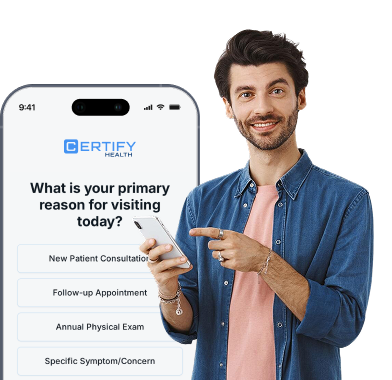
Patients can confirm arrival and update key demographic details before staff need to step in.
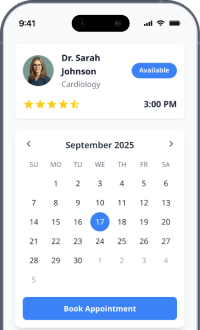
Check in for appointments
Patients can confirm arrival without waiting for the front desk to start the process.
Confirm or update demographics
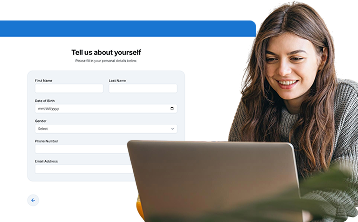
Patients can review name, phone, email, address, and other required registration details.
Capture Identity and Insurance Details Digitally
Patients can scan identification and insurance cards through guided digital workflows.
Scan identification cards
Capture ID information digitally when the workflow requires it.
Scan insurance cards
Patients can scan insurance cards at the kiosk or continue through a mobile workflow when needed.
Complete Intake Forms and Consent Before Care Begins
Patients can confirm arrival and update key demographic details before staff need to step in.
Complete digital intake forms
Replace paper packets with guided patient intake forms that are easier to complete and easier for staff to review.
Sign consent documents
Collect required consent forms electronically before the patient moves forward in the visit.
Prepare Coverage and Payments Earlier in the Workflow
Eligibility checks and payment workflows help staff resolve financial readiness before the visit progresses.
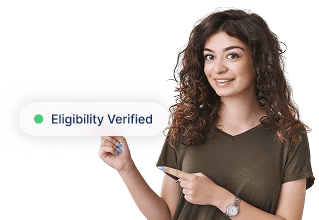
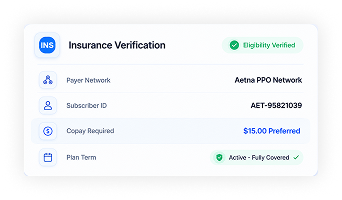
Support insurance eligibility and coverage checks
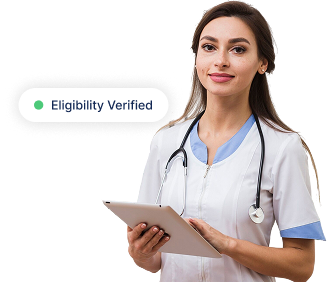
Help staff review insurance eligibility, coverage details, and visit readiness earlier in the workflow.
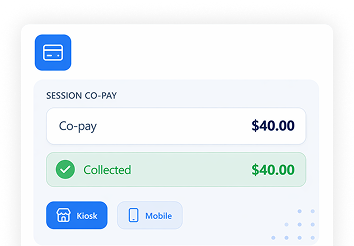
Make payments through integrated CERTIFYPAY solutions
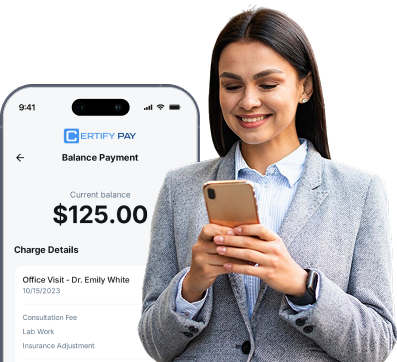
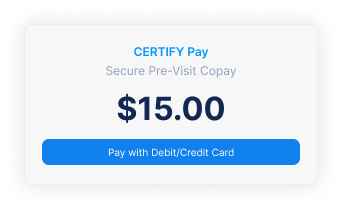
Patients can pay co-pays, outstanding balances, or payment plan amounts when payment collection is enabled.
Let Patients Continue on the Device That Works for Them
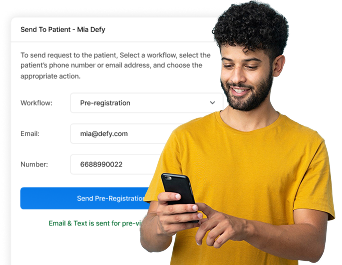
Patients are not locked into one device and can move between kiosk, SMS, email, and mobile workflows when needed.
Continue on mobile when needed
Patients can move between kiosk, SMS, email, and smartphone workflows instead of being locked into one device.
What Staff Get Back
The point of a patient self check-in kiosk is not to remove staff from the experience. It is to stop routine registration work from consuming the whole front desk.
Less time spent chasing paperwork
Collect required consent forms electronically before the patient moves forward in the visit.
Cleaner patient information
Patients can confirm or update details directly, helping reduce manual entry errors.
Better insurance readiness
Staff can see what is missing before the patient reaches the next step.
More organized payment collection
Co-pays, balances, payment plans, and patient financial responsibility can be handled through integrated CERTIFYPAY solutions.
A calmer front desk
When routine check-in tasks move to self-service, staff have more time for patient questions, scheduling, payments, and follow-up.
Consistent workflows across locations
Helpful for Dental Support Organizations (DSOs), multi-specialty groups, urgent care centers, and other high-volume healthcare organizations.
Why Healthcare Organizations Choose CERTIFY Health
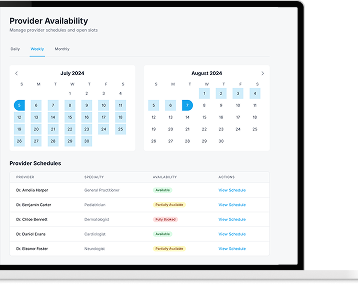
CERTIFY Health is not just kiosk hardware. It is patient check-in kiosk software connected to the larger CERTIFY Care Platform. That means the kiosk is part of a broader patient access workflow across registration, intake, scheduling, communication, insurance verification, identity, and payments.
Connected Patient Access Workflows
Bring check-in, digital intake, insurance capture, consent forms, communication, and payments into one connected patient journey.
Insurance Eligibility and Coverage Readiness
Support insurance eligibility verification and coverage review before the visit moves further downstream.
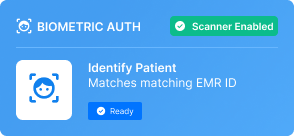
Biometric Authentication and Authorization
Where enabled, CERTIFY Health supports biometric patient authentication and authorization to help confirm patient identity and improve confidence in the check-in process.
Integrated CERTIFYPAY Solutions
Collect co-pays, balances, payment plan amounts, and other patient payments through integrated CERTIFYPAY workflows.
Mobile and Kiosk Flexibility
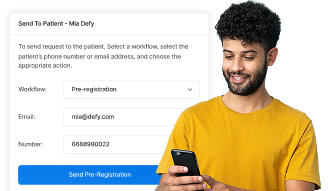
Patients can complete tasks at the kiosk, through SMS or email, or on their own smartphone when the workflow calls for it.
EHR, EMR, and Practice Management Integration
CERTIFY Health is designed to work with existing EHR, EMR, practice management, payment, and healthcare technology systems without asking practices to replace their core systems.
How CERTIFY Health’s Patient Check-In Kiosk Works
The patient begins the check-in process at the kiosk.
The patient scans required identification and insurance cards, if needed.
Staff can review coverage readiness before the visit moves forward.
The front desk receives the completed information and can prepare the patient for the next step in the visit.
Demographics and contact details can be reviewed and updated.
Required forms, questionnaires, and consent documents are finished digitally.
Co-pays, balances, or payment plan amounts can be collected through integrated CERTIFYPAY solutions.
The patient arrives and starts
The patient begins the check-in process at the kiosk.
The patient confirms their information
Demographics and contact details can be reviewed and updated.
ID and insurance cards are captured
The patient scans required identification and insurance cards, if needed.
Intake forms and consents are completed
Required forms, questionnaires, and consent documents are finished digitally.
Insurance eligibility and coverage details are checked
Staff can review coverage readiness before the visit moves forward.
Payments are collected through CERTIFYPAY, if applicable
Co-pays, balances, or payment plan amounts can be collected through integrated CERTIFYPAY solutions.
Staff see what is complete
The front desk receives the completed information and can prepare the patient for the next step in the visit.
Supporting Healthcare Practices of Every Size
Dermatology Practices
Reduce registration delays while improving patient intake and insurance readiness.
Vision Care Practices
Support high-volume patient arrivals and insurance verification workflows.
Physical Therapy Practices
Women’s Health & OB-GYN Practices
Support digital intake, consent collection, and patient communication workflows.
Urgent Care Centers
Reduce registration bottlenecks and improve walk-in patient flow.
Ambulatory Surgery Centers (ASCs)
Prepare patients before procedures with digital registration and consent workflows.
Multi-Specialty Groups
Maintain consistent patient access processes across locations.
Hospitals & Health Systems
Dental Support Organizations (DSOs)
Dental Practices
Improve patient check-in, insurance capture, payment collection, and appointment readiness.
Designed to Deliver Measurable Operational Impact
Faster Check-In Times
Reduce administrative steps required at arrival.
Less Paperwork
Move registration and intake into digital workflows.
Cleaner Patient Data
Improve the accuracy of patient and insurance records.
Reduced Front Desk Calls
Enable patients to complete more tasks independently.
Better Payment Readiness
Support collection workflows before the visit begins.
Improved Staff Productivity
Allow teams to focus on patient care rather than paperwork.
Trusted by Healthcare Organizations Using Self-Service Patient Check-In
CERTIFY Health is not just kiosk hardware. It is patient check-in kiosk software connected to the larger CERTIFY Care Platform. That means the kiosk is part of a broader patient access workflow across registration, intake, scheduling, communication, insurance verification, identity, and payments.
Designed to Deliver Measurable Operational Impact
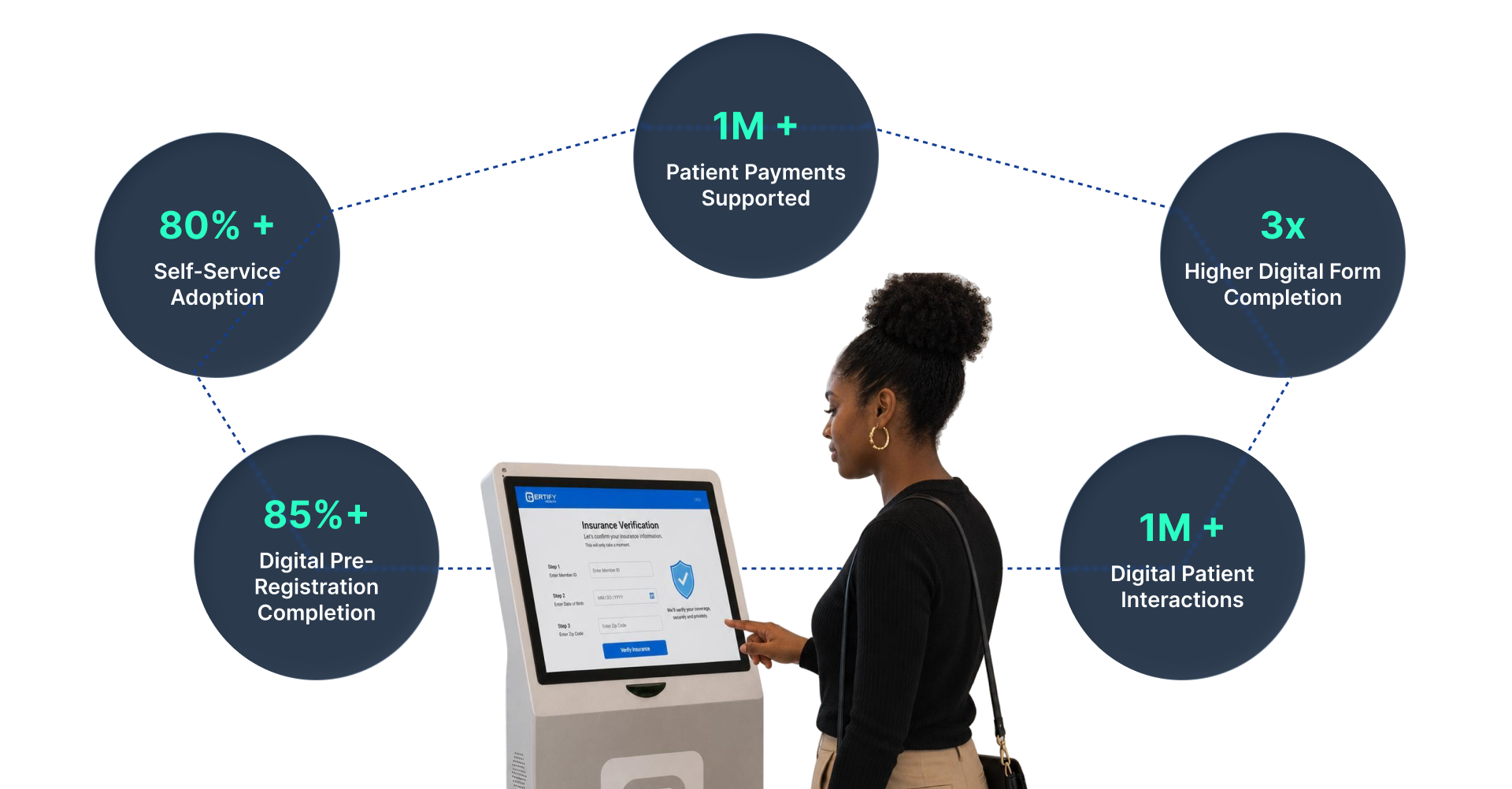
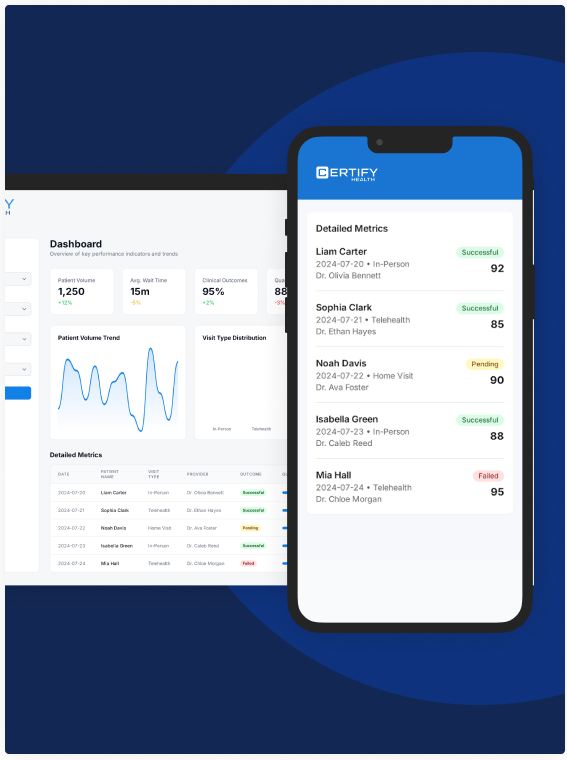
Our clinical self-service metrics translate directly into shortened lobby queues, reduces personnel overhead, and increased POS payments.
Connect With the Systems You Already Use
CERTIFY Health’s patient check-in kiosk integrates with leading EHRs, EMRs, practice management systems, payment platforms, and healthcare technologies to support patient registration, intake, insurance verification, communications, and patient payment workflows without disrupting existing operations.
Transform Patient Check-In Into a Faster, More Efficient Experience
CERTIFY Health’s patient check-in kiosk helps healthcare organizations digitize registration, intake, insurance verification, consent collection, and patient payments through a connected self-service experience. Patients can complete arrival tasks independently while staff reduce administrative workload, improve data accuracy, and maintain visibility throughout the patient access journey.