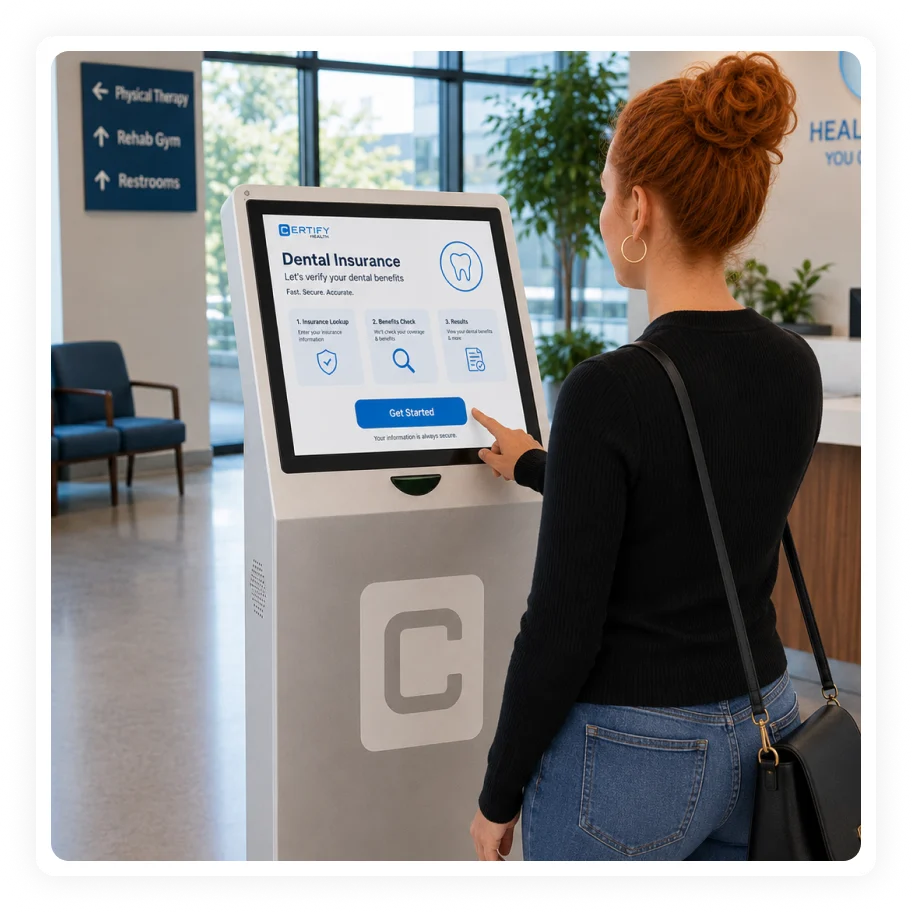
A dental kiosk should not be treated as hardware sitting in the lobby. CERTIFY Health helps dental teams turn arrival into a guided workflow for check-in, intake completion, identity, insurance updates, copay prompts and front-desk exception handling.
Works with existing EHR, EMR and PMS systems where configured
HIPAA-aligned workflows
Built for healthcare workflows that require secure patient communication, forms, identity, and payment handling.
Works around existing systems
Designed to support patient-facing and front-office workflows around existing EHR, EMR, PM, PMS, and revenue systems where integrations are available.
Multi-channel completion
Supports web, mobile, kiosk, tablet, portal, and staff-assisted paths depending on deployment.
Built for multi-location control
Supports enterprise configuration and reporting needs across locations, providers, roles, and workflows where configured.
Check-In Problems That Create Lobby and Front-Desk Pressure
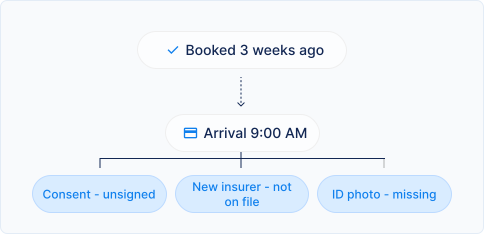
Arrival creates a bottleneck
When every patient needs staff help, queues build quickly during peak appointment blocks.
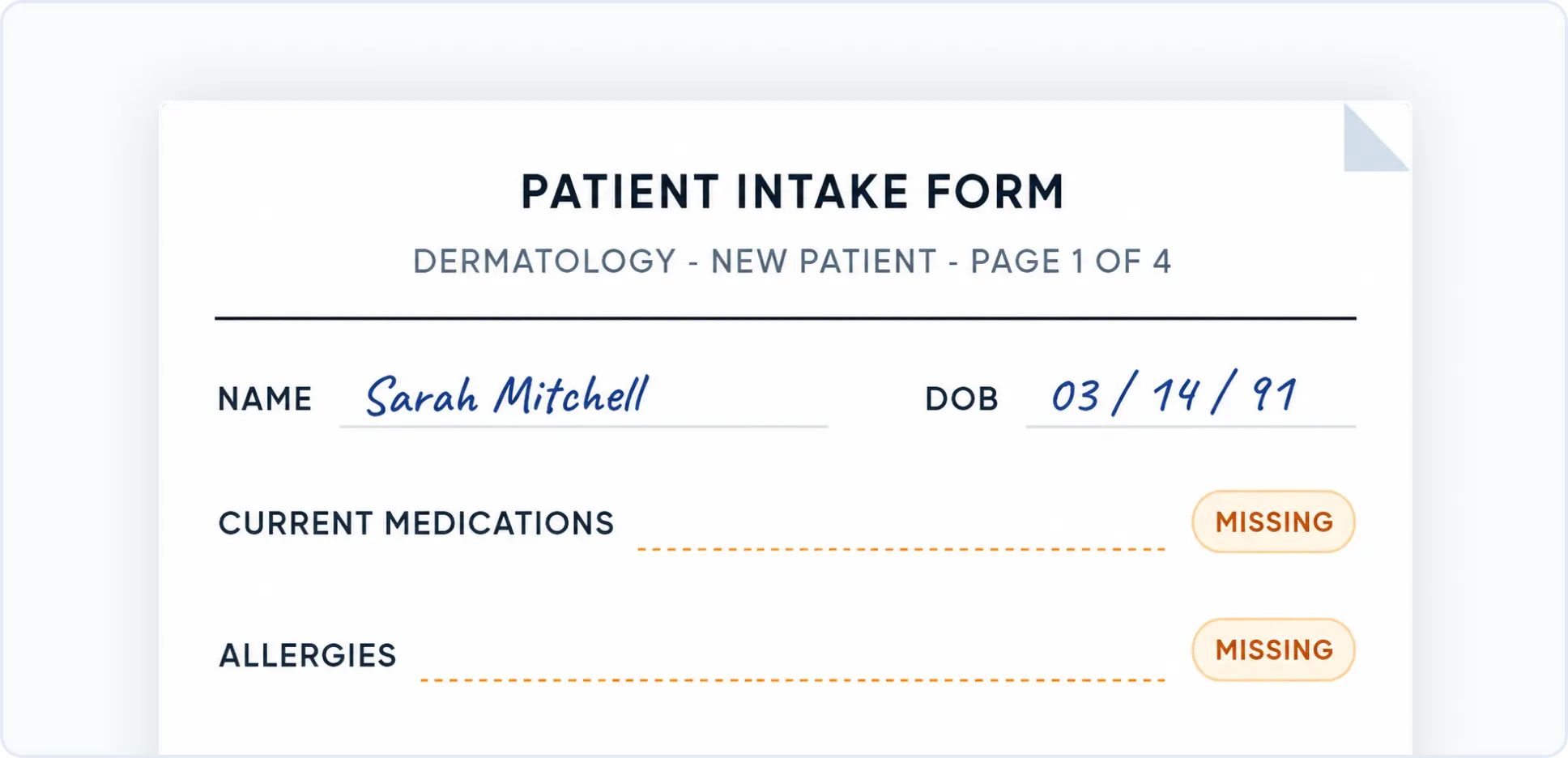
Incomplete intake appears too late
Forms, consent, ID, insurance, and payment gaps discovered at arrival can delay the schedule.
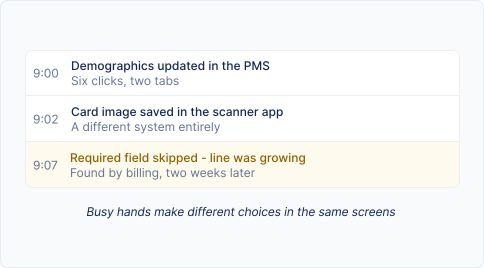
Manual check-in creates inconsistent data
Staff may click through multiple steps, update systems differently, or miss required fields when the desk is busy.
Multi-location DSOs need repeatable arrival workflows
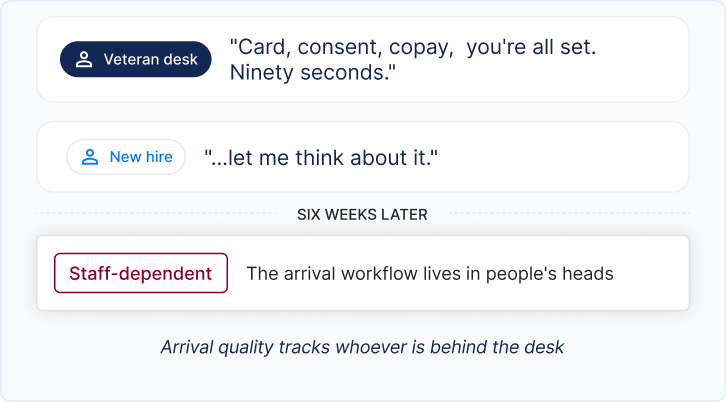
A DSO needs check-in behavior that works across offices, not only in locations with the strongest front desk.
How CERTIFY Health Supports Dental Check-In
CERTIFY Health treats check-in as part of the larger visit-readiness workflow with patient check-in software that makes the process simple and convenient. The patient can complete required steps through the channel that fits the moment.
Self-service kiosk check-in
Patients can use kiosk workflows for arrival, forms, review, insurance, ID, and payment prompts where deployed.
Mobile and tablet check-in
Support mobile, tablet, patient portal, and staff-assisted workflows so patients have multiple paths to completion.
Intake and consent at arrival
Patients can complete missing documents, review information, and sign required consent forms where configured.
Insurance and ID capture
Check-in can include photo ID and insurance card capture or review where enabled.
Payment prompts at check-in
Prompt patients for copays or balances through connected payment workflows where configured.
Queue and status visibility
Operational teams can review patient status, progress, and exceptions to reduce desk-level uncertainty.
Integrates with your Preferred Practice Management Software
The Workflow Difference
Step 01 · Book
Patient arrives or begins mobile check-in.
Dental checkup · Fri, 7:40AM · Scheduled
arrival starts the workflow - not the line
SMS Email
Step 02 · Identify
CERTIFY identifies what is complete and what is still missing.
Forms + demographics - completedone last week
Consent - unsignedneeds a signature
Copay $30 - due todayprompt at check-in
Step 03 · Prompt
Patient resolves required steps through kiosk, mobile, tablet, or staff-assisted workflow.
Kiosk
Mobile
Tablet
Staff-assisted
N. Reyes signs the consent and taps the $30 copay at the kiosk - the desk never breaks stride
Step 04 · Pay
Staff handle exceptions instead of every routine task.
N. ReyesCleaning · 9:00 AM100%self-served
T. OkaforCrown seat · 9:20 AM66%self-served
J. OrtizNew patient · 9:40 AM83%new insurer - assist
Step 05 · Track
The practice moves the patient toward operatory readiness with less front-desk rework.
Checked in
Consent signed
Copay paid
Chair 3 notified
The lobby holds people for minutes, not paperwork, the 9:00 is in the chair at 9:00
Outcome From High-Volume Healthcare Workflows
Outcomes from a high-volume, multi-location outpatient deployment. The metrics below show how connected workflows performed at scale; results reflect a specific deployment and are not a guarantee of future performance.
0%
Kiosk adoption
Enterprise DSO data shows about 80% kiosk check-in adoption across the network.
0million
Manual work reduction
Customer data indicates kiosk check-in eliminated manual data entry for about 1.3 million appointments over four months.
Frequently asked questions
What is dental check-in software?
Dental check-in software helps patients complete arrival steps such as demographic review, forms, consent, ID, insurance, payment prompts, and check-in status through digital or staff-assisted workflows.
Does CERTIFY support kiosk check-in?
Yes. CERTIFY Health supports self-service kiosk check-in where deployed.
Can patients complete missing forms at check-in?
Yes. Patients can complete configured missing intake, forms, consent, and related steps during check-in.
Can check-in include payments?
Yes. Payment prompts can be included where configured.
Why is this important for DSOs?
DSOs need a standard arrival workflow that can scale across locations and reduce dependence on manual front-desk behavior.
Ready to make check-in consistent across every dental location?
See how CERTIFY Health helps practices and DSOs connect kiosk, mobile, tablet and staff-assisted check-in into one cleaner arrival workflow.