Table of Contents
1. Introduction
A vendor logo on a compatibility list does not prove an integration works. Neither does one smooth demo on a clean database with no edge cases. Those are marketing signals, not proof.
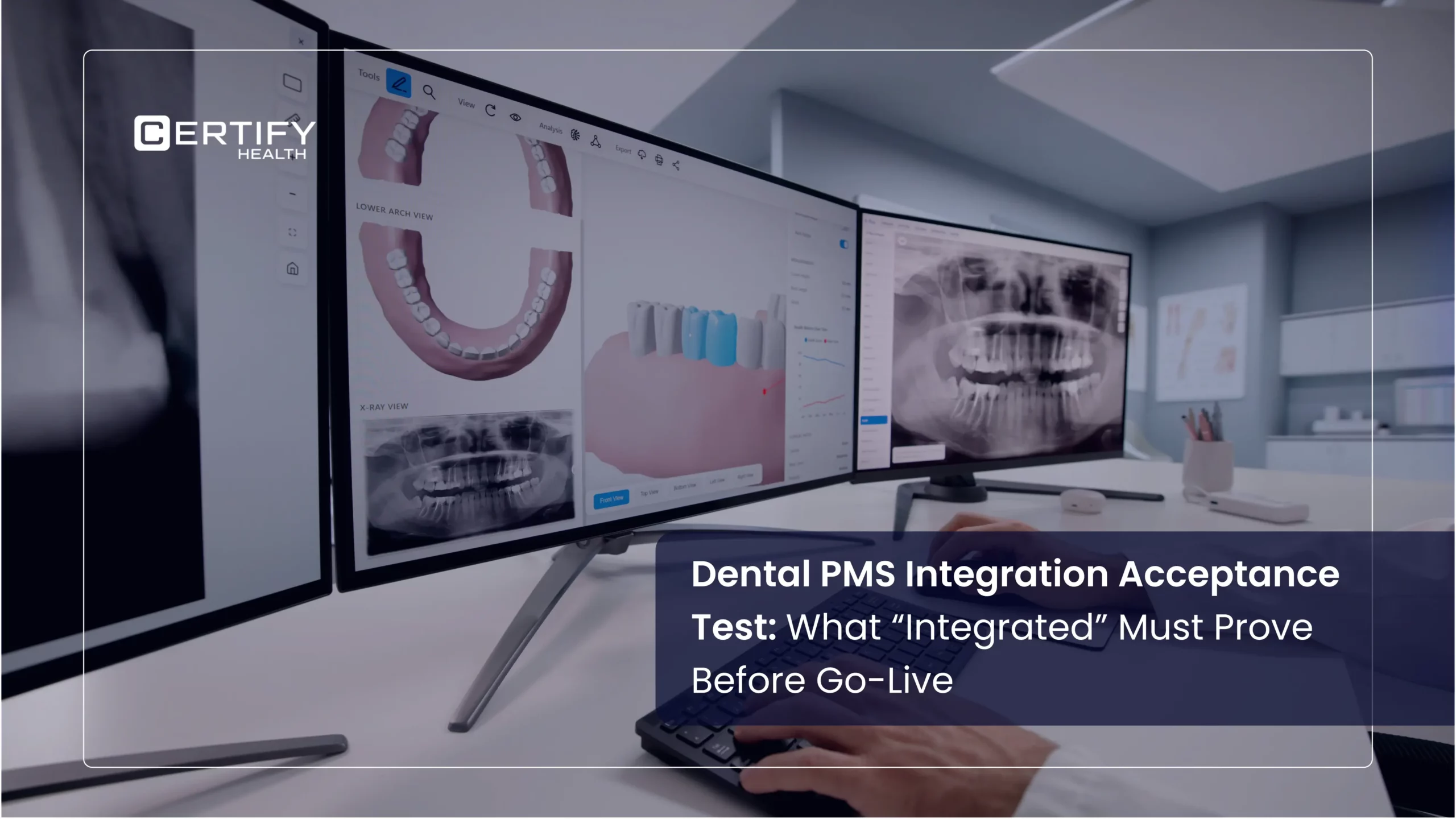
This article is a field-level checklist. It is a dental PMS integration checklist, not a buying guide. It is written for the CIO, integration lead, or system owner who will run this system after the contract is signed. It shows what “integrated” must prove, in your exact PMS, your exact version, and your exact setup, before you approve go-live.
Some of the most consequential integration failures may not appear in a clean demo. They surface when real scheduling changes, retries, duplicate records, write failures, and exceptions enter the workflow. A cancellation may not sync. A payment write may fail without warning. A duplicate patient record may split one chart into two. This article sets the bar high. It aims to catch these failures in testing, not after launch.
Compatibility gets an integration into testing. Evidence gets it through go-live.
2. What “Integrated” Should Mean
“Compatible” and “proven” are not the same claim. Vendors often use them as if they were.
A supported-systems or compatibility list tells you that a vendor supports some form of connection with that PMS. It does not, by itself, prove which fields are supported, which direction data moves, or how the integration behaves in your version and configuration. It does not say which fields sync, in which direction, on what delay, or what happens when two systems disagree.
Proven means someone tested the real reads, writes, and failure states. They tested them in the exact setup you will use: same PMS, same version, same setup. A vendor that lists dental software writeback as a feature has not proven it against your version.
This distinction matters early, before you even pick a vendor. A PMS requirements checklist built the right way becomes the demo script, then the contract reference, then the basis for this acceptance test. Skipped that step? This article still works on its own. But expect more gaps to show up in testing.
The rest of this article uses “proven” on purpose. Each section below is a test, not a feature description. Treat any vague integration claim as unproven until a specific test confirms it.
See CERTIFY Health’s healthcare interoperability software and platform overview
3. System, Version, and Environment Inventory
Before testing starts, write down what is actually running.
Record the exact PMS name and version number, not just the product family. Record the setup type: cloud, on-site, or a mix of both. Behavior can differ across each one. Record anything that changes behavior, like custom fields, provider setup, or changes made by a past vendor or IT contractor.
“Version drift is one reason demo behavior may not carry cleanly into production. The version, deployment model, custom fields, permissions, and configuration used in testing should match the environment being approved. A vendor’s demo rarely matches your live version, setup, or data volume. Learn more about CERTIFY Health’s Practice Management System
4. Source-of-Truth and Read/Write Matrix
This is the technical core of the test. It is also the part most likely to get pulled straight into an RFP or a buyer’s own notes.
For every data type, answer three questions. Which system owns that data? Which way does it flow? What happens when both systems hold a different value for the same field at once? Build this as a matrix, not a list:
| Data Type | Source of Truth to Confirm | Direction to Test | Expected Behavior / Acceptance Criteria | Conflict Rule to Document | Evidence Reference |
|---|---|---|---|---|---|
| Patient demographics | To be confirmed during testing | PMS to integration / Integration to PMS / Bidirectional / Not in scope | Document which demographic fields are expected to move, where they should appear, and what constitutes a successful update. | Document which system should prevail when the same field contains different values. | Screenshot, log, record ID, test result, or ticket |
| Appointment status | To be confirmed during testing | PMS to integration / Integration to PMS / Bidirectional / Not in scope | Test booked, confirmed, cancelled, no-show, and rescheduled states separately. Record the observed behavior for each state. | Document how conflicting appointment states are resolved and which system owns the final state. | Screenshot, log, appointment ID, or test record |
| Provider schedule, blocks, and availability | To be confirmed during testing | PMS to integration / Integration to PMS / Bidirectional / Not in scope | Confirm whether provider availability, blocks, holds, and buffer rules behave as expected in the connected workflow. | Document what happens when availability differs between systems. | Screenshot, schedule record, log, or test result |
| Patient forms and intake data | To be confirmed during testing | PMS to integration / Integration to PMS / Bidirectional / Not in scope | Confirm where completed fields and forms are expected to land, how they are associated with the patient, and whether staff can retrieve them correctly. | Document how duplicate or conflicting form submissions are handled. | Patient record, document ID, screenshot, or test result |
| Documents and insurance cards | To be confirmed during testing | PMS to integration / Integration to PMS / Bidirectional / Not in scope | Confirm the destination, document type, patient association, and retrieval path for uploaded documents. | Document how duplicate, unreadable, or mismatched documents are handled. | Document ID, patient record, screenshot, or log |
| Consent records | To be confirmed during testing | PMS to integration / Integration to PMS / Bidirectional / Not in scope | Confirm that completed consent records reach the expected destination with required signature, date, timestamp, or related metadata intact where applicable. | Document how duplicate or updated consent records are handled. | Consent record, document ID, screenshot, or audit record |
| Insurance or eligibility result | To be confirmed during testing | PMS to integration / Integration to PMS / Bidirectional / Not in scope | Where eligibility data movement is supported, document exactly what result is expected, where it should appear, and how success or failure is surfaced. | Document how a newer result, stale result, or conflicting eligibility response is handled. | Eligibility response, log, patient record, or test result |
| Payment result | To be confirmed during testing | PMS to integration / Integration to PMS / Bidirectional / Not in scope | Where payment posting or result synchronization is supported, document the expected destination, account association, amount, status, and confirmation behavior. | Document what happens when payment status differs between systems or a write fails. | Transaction ID, ledger record, log, or screenshot |
| Patient balance or ledger information | To be confirmed during testing | PMS to integration / Integration to PMS / Bidirectional / Not in scope | Confirm which balance or ledger data is expected to be read or updated and how the connected workflow reflects changes. | Document which system owns the balance and how conflicting values are resolved. | Ledger record, transaction reference, screenshot, or log |
| Communication preferences and opt-out status | To be confirmed during testing | PMS to integration / Integration to PMS / Bidirectional / Not in scope | Where preference synchronization is supported, confirm which preferences move and whether the resulting state is honored by the connected workflow. | Document which system owns communication preferences and how conflicts are handled. | Preference record, communication log, screenshot, or test result |
| Custom or practice-specific fields | To be confirmed during testing | PMS to integration / Integration to PMS / Bidirectional / Not in scope | Identify each custom field separately and test whether its behavior matches the configured integration scope. | Document ownership and conflict behavior for each custom field. | Field record, screenshot, log, configuration reference, or ticket |
One rule matters most here: do not accept “real-time” or “bidirectional” sync as a claim on its own. Do not carry a result from one PMS version, configuration, or data type into another unless that behavior has also been verified. Both terms need proof. That proof is a documented test. It must show that exact data type syncing in that exact direction, on your exact system version. This applies to any vendor claiming Dentrix, Open Dental, or Eaglesoft writeback. The claim is only as good as the version it was tested against.
For teams sorting out what “integrated” should mean at a data level, the HL7 FHIR specification is a useful industry reference. It shows how modern systems are meant to exchange clinical and admin data. Not every dental PMS integration is built on FHIR. But it is a good outside benchmark for a well-built read/write setup.
5. Scheduling States and Availability Rules
Scheduling shows sync delays fastest. Staff and patients notice right away when the calendar is wrong.
Test each state on its own: booked, cancelled, no-show, and rescheduled When a cancellation is recorded in the PMS, confirm whether and when that state is reflected in the connected workflow. Record the measured delay rather than assuming ‘real-time’ behavior.” Or is there a delay? Do provider blocks, holds, and buffer times carry over correctly?
An integration can sync new bookings fine but still drop cancellations. That makes a provider look busy when they are free. Or it makes a slot look open when it is already booked. Passing the “booked” test does not mean it passes the “cancelled” test too.
See CERTIFY Health’s Scheduling & Appointments and ASAP List waitlist management
6. Demographics, Forms, Documents, and Consent Destinations
Patient intake data needs a defined destination, format, and retrieval path.
Confirm exactly where updates, forms, documents, and signed consent forms end up. “Landing correctly” means three things. The data attaches to the right patient. It is stored as the right document type. Staff can find it without an extra step.
Consent and signed documents carry privacy weight, not just convenience. Test this with real cases: a same-day duplicate submission, and a form filled out on a shared device.
See CERTIFY Health’s Dental Patient Intake Software and Forms & Consents security details
7. Patient Communication and Notification Sync
A reminder or confirmation built on a stale record is worse than no message at all. It actively misleads the patient.
Test whether messages reflect the current visit, not a cached one. If a visit is moved or cancelled in the PMS, check that the reminder updates or stops. It should not go out for the old time or a cancelled slot. Where preference synchronization is supported, test whether opt-out and communication preferences remain consistent across the systems in scope. A patient who opts out of texts in the PMS should not keep getting them from the integration side.
This test type is easy to miss. A wrong reminder rarely causes an error. It just confuses or annoys a patient. Staff usually hear about it later, not from an alert.
8. Eligibility and Payment-Result Handling
Where the integration supports writing eligibility or payment results into the PMS, test exactly what is written, where it lands, how success is confirmed, and what happens when the write fails.
A failed write with no error is worse than one that visibly fails. Staff catch and fix a visible failure. A silent failure just piles up until reconciliation finds the gap, if it ever does.
See CERTIFY Health’s Eligibility & Coverage and Dental Patient Payment Software
9. Duplicate, Wrong-Patient, and Conflict Tests
Near-match and wrong-patient scenarios deserve explicit testing because a successful technical write to the wrong record is still a serious integration failure.
Run a specific test. What happens with two near-match patient records: same name, different birth date, or same birth date, slightly different spelling? What happens when a write hits the wrong chart because of an upstream matching error?
If an integration has never faced a near-match test, its matching logic carries an unproven guess. That guess will eventually be wrong.
10. Latency, Retry, and Reconciliation
“Fast enough” and “syncs quickly” are not acceptance criteria.
Test this separately for each data type. Appointment state, documents, payment results, and eligibility responses may not share the same synchronization behavior.
Log the real delay for each data type under normal load. Log the retry behavior when a call fails. Does the system retry on its own? How many times, over what span? Confirm idempotency is in place. That means a retried write does not create a duplicate or double-post a payment.
Reconciliation closes the loop. How does a practice confirm, after the fact, that everything that should sync actually did? “We would notice if something broke” is a guess, not a process.
11. Downtime, Rollback, and Recovery
This is a go-live risk question. It rarely comes up until the first outage forces it.
Confirm what happens to in-flight data if the PMS or the integration goes down mid-task. If a write gets cut off partway, does the rollback leave a clean state? Or does it leave a partial record, a stuck payment, or a visit that exists in one system but not the other?
For example, an acceptable vendor response might describe whether a partial write is rolled back, queued, or surfaced for manual resolution.
A vendor should describe this behavior in detail. “We handle that” is not an answer. “A partial write triggers an automatic rollback, and the task is logged for manual review” is an answer.
12. Monitoring, Logs, and Support Ownership
Testing proves an integration works once. Monitoring proves it keeps working.
Confirm who gets alerted when a sync fails, how fast, and through what channel. Confirm which vendor owns the fix when a failure sits at the edge between two systems, and neither side wants to claim it. Get this in writing before go-live.
Also confirm what logs the customer can access directly, how long they are retained, and whether those logs expose PHI or other sensitive data.
13. The Go/No-Go Acceptance Gate
Every section above rolls up into one decision: a short list of pass or fail checks that must all be true before go-live. Treat it as a gate, not a suggestion.
- Read/write matrix logged, with conflict rules, for every data type in scope
- All four scheduling states tested and confirmed syncing correctly
- Forms, documents, and consent confirmed landing on the correct patient record
- Message triggers confirmed to reflect the current visit and consent state, not stale data
- Failed writes on eligibility and payment results confirmed to fail visibly, not silently
- Duplicate and wrong-patient cases tested against real near-match records
- Retry and idempotency behavior confirmed, with a reconciliation process in writing
- Rollback behavior confirmed for mid-task downtime
- Monitoring, alerts, and support ownership confirmed in writing
At this point, a structured review can confirm these checks are met before you set a go-live date. A DSO rollout across many sites adds risk too. See CERTIFY Health’s work with Dental Service Organizations for how multi-site standards change the bar.
14. PMS-Specific Appendix Template
Each PMS, version, deployment model, and permission structure can introduce different integration boundaries. A general standard cannot capture how each system handles custom fields, API limits, or write-back rights by user role. See CERTIFY Health’s PMS integrations for the current list of supported systems. Remember that compatible and proven are still different claims.
The downloadable spreadsheet includes a template for these per-system details. That way, the general frame and the version-specific detail live in one place.
15. Key Takeaways
- Compatibility gets an integration into testing. Evidence gets it through go-live.
- Compatible and proven are different claims. Only proven should guide a go-live call.
- Every data type needs a logged source of truth, sync direction, and conflict rule.
- “Real-time” and “bidirectional” need proof tied to your version, not a vendor’s word.
- A silent write failure is worse than a visible one. Test for both.
- Message triggers need the same scrutiny as data writes. A stale reminder is a failure, even with no error.
- Testing proves an integration works once. Clear monitoring and support ownership prove it keeps working.
FAQ
What does “integrated” mean for a dental PMS?
Does a large number of listed integrations mean those integrations are tested?
What is the difference between compatible and proven?
Compatible means a link exists. Proven means specific reads, writes, and failure states have been tested in your real setup, with proof on record.
What should a go-live checklist include?
At minimum: a full read/write matrix, confirmed scheduling sync, verified forms and consent handling, visible failure states for eligibility and payment writes, tested duplicate-patient cases, and confirmed monitoring and support ownership.
Can an integration be “real-time” without documented evidence?
No. Real-time and bidirectional need proof tied to your version. Without that proof, treat the claim as unproven.